Once installed, the app publishes an MCP(Model Context Protocol) standard endpoint inside Cytoscape's existing CyREST HTTP server. You connect your LLM(large language model) Agent application such as Claude Code or Claude Desktop or Codex, etc on your machine to the MCP url published on CyREST as remote HTTP transport. This setup effectively allows the LLM through the Agent to control and drive network analysis and display activity on the Cytoscape desktop.
[User Manual](https://github.com/cytoscape/cytoscape-desktop-mcp/blob/main/docs/UserManual.md)
[Tutorial](https://github.com/cytoscape/cytoscape-desktop-mcp/blob/main/docs/Tutorial.md)
[MCP Tool Manifest](https://github.com/cytoscape/cytoscape-desktop-mcp/blob/1.0.0/MCPManifest.md)
- Sample agent prompts to activate the MCP tools:
- `> open a network using cytoscape desktop`
- `> analyze the network in cytoscape`
- `> change the network layout`
- `> switch network style`
- `> increase the network edge width by 1`
- `> change the network node color to green`
- `> change node label to courier new`
- `> lock node width and height on network`
- `> import new attributes into the node table of my network in cytoscape`
- Mapping
- `> map edge shape to interaction`
- `> map weight to node size`
- `> generate green colors on edges based on discrete values of confidence`
- `> set color gradient on nodes from blue to red based on eccentricity`
- `> set node label to gene1`
**MCP toolbar button**:
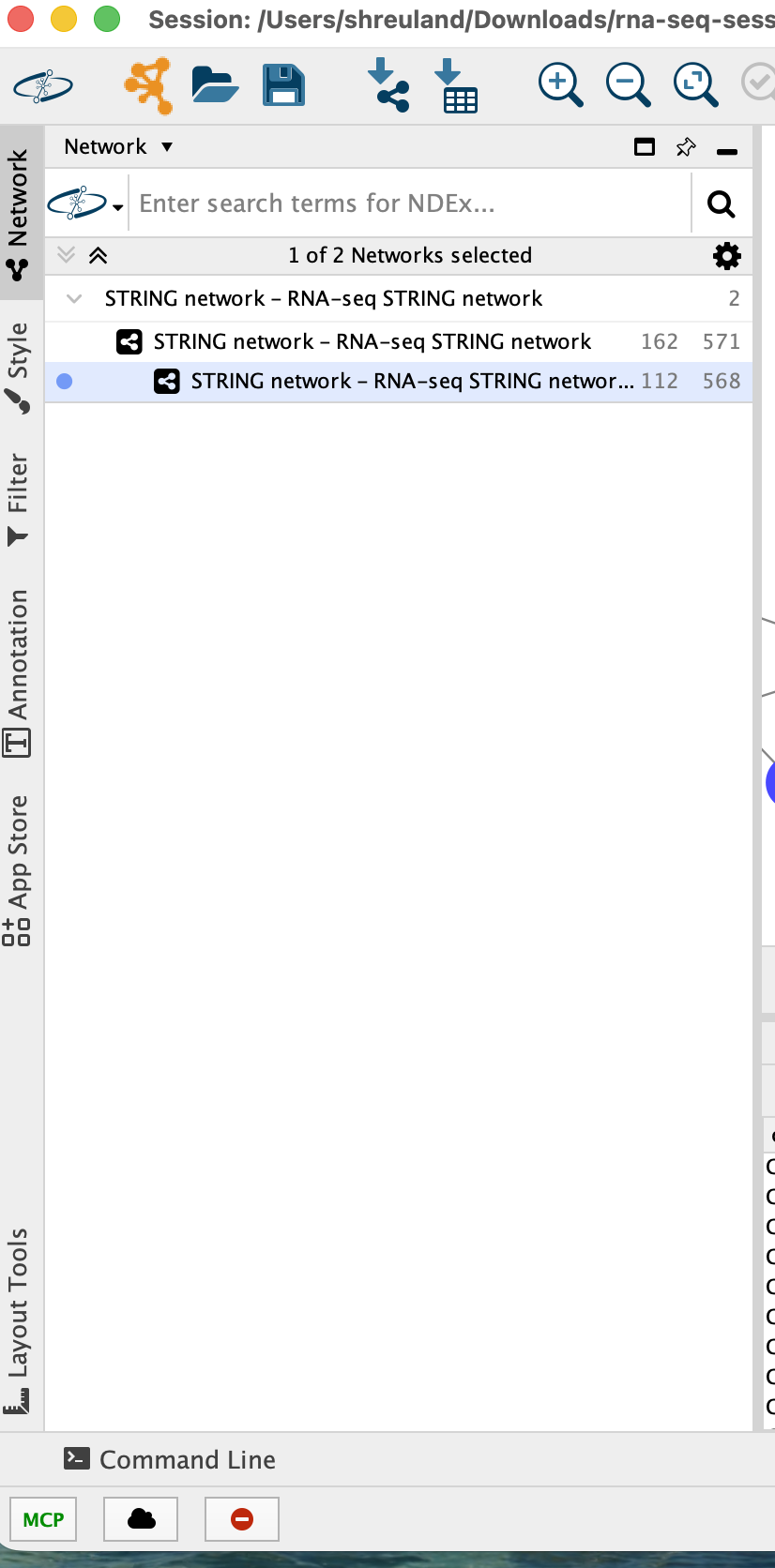
a bold MCP button in the bottom-left status bar. The label is green when the MCP server is running and red when it is not. Clicking it opens the Agent Configuration dialog which displays the full MCP url and connection instructions for all supported agents.
**Task History entries**:
every MCP tool invocation is recorded in Cytoscape's Task History panel (View > Show Task History), so you can see exactly which tools an agent called and when.
**Agent MCP Configuration**:
See [Tutorial](https://github.com/cytoscape/cytoscape-desktop-mcp/blob/main/docs/AgentConfiguration.md) for step-by-step instructions on how to configure various Agents like Claude Desktop, Claude Code, GitHub Copilot CLI, and OpenAI Codex CLI to connect to the Cytoscape Desktop as an MCP server.